



Software development has become easier for most teams because they now face challenges with product delivery. DevOps automation now functions as an essential element that bridges the gap between software development and its operational use.
In 2026, we started implementing continuous delivery as our standard approach for distribution. Products update faster, systems are more complex, and customer expectations are higher. The system needs automation because pipelines become slower when environments lose their original state, and small releases become major risks. The right DevOps automation tools bring structure to that chaos.
The shift in delivery speed is significant. According to research from DORA (DevOps Research and Assessment), high-performing teams deploy code multiple times per day and recover from failures 2,600 times faster than low-performing teams. Achieving this level of speed and reliability is difficult without automation.
Today, continuous delivery has become the standard approach for software distribution. Research from GitLab shows that over 60% of development teams rely on automated CI/CD pipelines to manage releases and infrastructure changes.
The system establishes standardized methods for code development and testing, deployment, and monitoring, which decrease manual tasks and prevent mistakes, and ensure all releases will happen as planned.
That’s usually the point where teams start exploring automation tools for DevOps and building structured pipelines using the right automation tools in DevOps
environments. Saffron Tech assists teams in their journey from using multiple tools to establishing a reliable system for automating their processes.
What is a DevOps Automation Tool?
DevOps automation tools make the software development lifecycle (SDLC) easier by automating things like CI/CD, setting up infrastructure, managing configurations, and monitoring.
Jenkins and GitHub Actions (CI/CD), Terraform (IaC), Docker (containers), Kubernetes (orchestration), and Ansible (configuration) are some of the best DevOps automation tools because they cut down on mistakes made manually and speed up deployment.
That includes things like the following:
- building and testing code automatically
- deploying releases through pipelines
- provisioning servers or cloud infrastructure
- running security scans
- monitoring performance and uptime
The system executes defined workflows automatically after teams create them, instead of requiring teams to execute commands manually or handle scripts throughout different environments.
Why DevOps Automation Matters More Than Ever
DevOps developed into a cultural movement that united development and operations teams. The current software delivery success measurement relies on the ability of teams to deliver software products with consistent reliability.
High-performing teams are evaluated on metrics like:
- Deployment frequency
- Change failure rate
- Mean time to recovery
- System availability
The common thread across all of these processes connects to the level of automation systems within an organization.
If releases depend on manual approvals, manual scripts, or last-minute fixes, you’ll always hit limits. Automation creates repeatability. And repeatability is what makes speed safe.
Without automation, teams usually run into the same problems:
- Deployments take too long
- Fixes are risky
- Environments are inconsistent
- Bugs slip through testing
- Engineers burn time on maintenance work
Automation doesn’t remove complexity, but it controls it.
DevOps Automation Tools Comparison
Here’s a practical list of automation tools in DevOps teams commonly use today across infrastructure, CI/CD, monitoring, and testing.
| Tool | Category | Best Use Case | Key Advantage |
|---|---|---|---|
| Terraform | Infrastructure as Code | Multi-cloud infrastructure provisioning | Platform-agnostic automation |
| Vagrant | Environment Provisioning | Local development environments | Easy reproducibility |
| Docker | Containerization | Application packaging | Consistent runtime environments |
| Kubernetes | Container Orchestration | Large-scale container management | Auto-scaling and resilience |
| Jenkins | CI/CD | Custom automation pipelines | Huge plugin ecosystem |
| Bamboo | CI/CD | Atlassian ecosystem pipelines | Native Jira integration |
| Maven | Build Automation | Java project builds | Dependency management |
| Gradle | Build Automation | Multi-language builds | Faster incremental builds |
| Ansible | Configuration Management | Server configuration automation | Agentless architecture |
| Puppet | Configuration Management | Enterprise infrastructure management | Strong policy control |
| Chef | Configuration Management | Infrastructure automation at scale | Reusable cookbooks |
| Nagios | Monitoring | Infrastructure monitoring | Reliable alerting |
| Splunk | Observability | Log analysis and security monitoring | Advanced analytics |
| Raygun | Error Monitoring | Application performance tracking | Detailed error diagnostics |
| Git | Version Control | Source code management | Collaboration and history tracking |
| Selenium | Test Automation | Browser testing | Cross-platform test automation |
What Teams Actually Gain from Automation
You can see the difference within weeks if automation is done right.
1. Releases become predictable
No last-minute surprises. If something fails, it fails early in the pipeline, not in production.
2. Teams ship more often
Because deployments are smaller and safer, teams don’t wait weeks to bundle releases.
3. Fewer environmental issues
Infrastructure and configurations stay consistent across environments.
4. Better collaboration
Everyone works from the same pipelines, dashboards, and alerts.
5. Less engineering fatigue
Developers spend less time fixing deployments because they dedicate their time to developing new product features. The last factor holds greater importance than most teams understand.
Planning Your DevOps Automation Roadmap?
Work with Saffron Tech to connect your tools, reduce manual work, and create a structured, low-risk release process.
Talk to a DevOps ExpertKey Categories of DevOps Automation Tools
These categories represent the most widely used automation tools for DevOps across modern engineering teams.
| Category | What It Handles |
|---|---|
| CI/CD Tools | Build, test, and deployment pipelines |
| Infrastructure as Code | Provisioning servers and cloud resources |
| Containers & Orchestration | Application environments and scaling |
| Configuration Management | System consistency across environments |
| Monitoring & Logging | System health and performance visibility |
| Testing Automation | Functional and regression testing |
High-performing teams need more than one tool category because they require multiple tools to create their complete automation system. The integrated operation of all elements from the system results in improved delivery processes, which enable faster delivery, better forecasting, and simpler expansion capacity.
16 DevOps Automation Tools Used by Modern Teams
DevOps automation relies on a combination of tools that support different stages of the software delivery lifecycle. These tools help teams automate infrastructure provisioning, container management, CI/CD pipelines, testing, monitoring, and configuration management.
Instead of relying on a single platform, most organizations build a DevOps toolchain that integrates multiple specialized tools.
Key DevOps Automation Tools Explained
1. Terraform
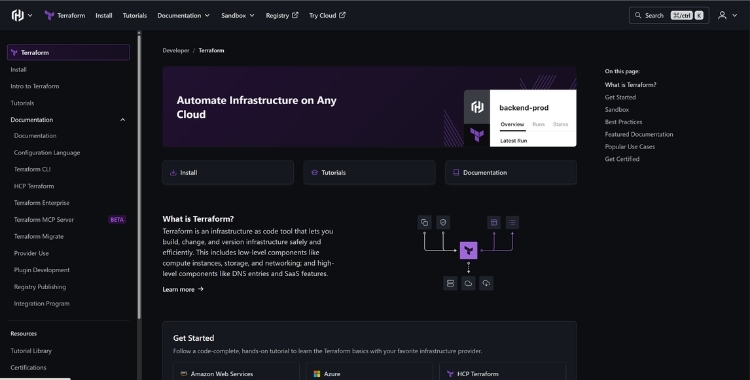
Terraform represents one of the most popular Infrastructure-as-Code solutions for DevOps automation. The tool enables teams to establish their infrastructure by using configuration files, which then enable them to automatically provision resources throughout various cloud platforms, including AWS, Azure, and Google Cloud.
Engineers can establish infrastructure through code which they can manage in version control systems instead of requiring them to set up servers and networks by hand. The system enables organizations to reproduce their environments while achieving better scalability.
Key capabilities
- Multi-cloud infrastructure provisioning
- Infrastructure version control
- Automated environment replication
User reviews
- 4.7/5 rating on G2
- Users often highlight Terraform’s multi-cloud support and strong community ecosystem as major advantages.
2. Vagrant
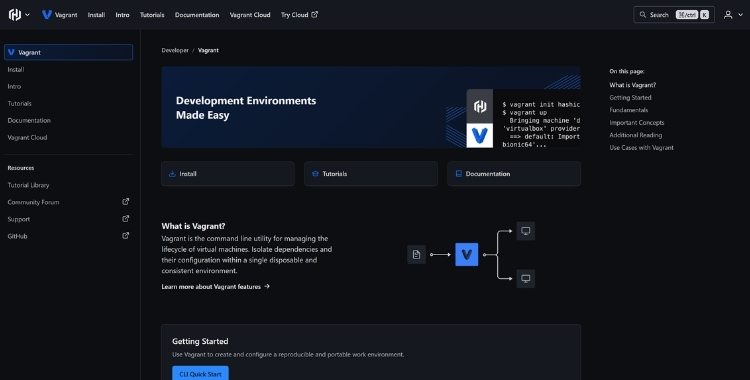
Vagrant provides developers with a tool to create development environments that maintain consistent behavior throughout their usage. The software enables teams to establish virtual machines that create production-like testing environments on their local computers.
Developers commonly use Vagrant together with Terraform and Ansible to create development environments that match their production system configuration.
Key capabilities
- Local environment provisioning
- Virtual machine automation
- Cross-platform environment management
User reviews
- 4.5/5 average rating on G2
- Developers frequently mention ease of setup and environment consistency as key benefits.
3. Docker
The main DevOps workflows of Docker became available through its introduction of containerization technology. The system creates compact containers that package all application components and their required dependencies to function uniformly across development environments, staging areas, and actual production use.
The solution resolves the typical development team problem, which occurs because different developers use different systems to develop software.
Key capabilities
- Application containerization
- Environment consistency
- Integration with CI/CD pipelines
User reviews
- 4.6/5 rating on G2
- Users praise Docker for simplifying deployment and improving environment consistency.
4. Kubernetes
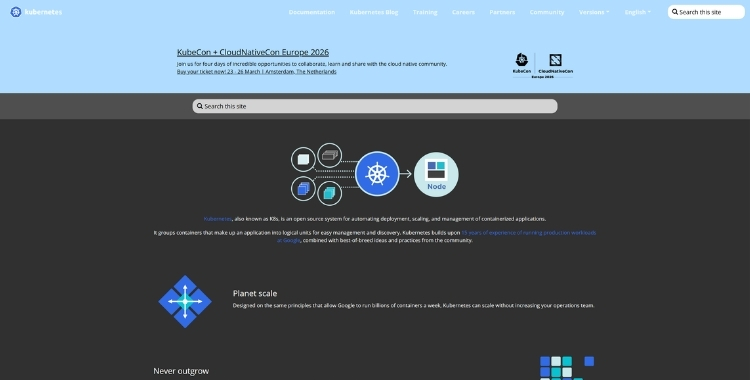
Kubernetes serves as an open-source platform that enables automated management of containerized applications across large-scale infrastructure. The system handles automated processes, which include deploying containers, adjusting their capacity, managing system performance, and executing recovery procedures.
Organizations with extensive operations use Kubernetes to control their microservice-based systems and their networked distributed system environments.
Key capabilities
- Automated container scheduling
- Self-healing infrastructure
- Horizontal scaling of applications
User reviews
- 4.6/5 rating on G2
- Teams highlight Kubernetes for automated scaling, resilience, and workload orchestration.
5. Jenkins
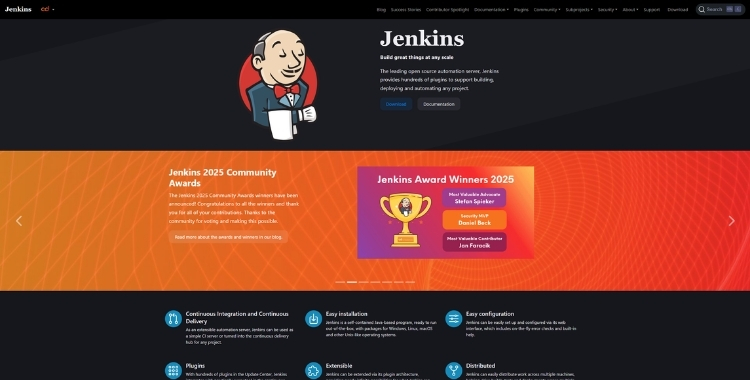
Jenkins functions as a leading automation server that helps organizations create their continuous integration and deployment systems. The system allows teams to create automated processes for their application development, which includes building code, executing tests, and releasing software.
Jenkins provides extensive customization options through its extensive collection of plugins.
Key capabilities
- Pipeline automation
- Integration with hundreds of DevOps tools
- Highly customizable workflows
User reviews
- 4.4/5 rating on G2
- Users appreciate its extensive plugin ecosystem and customization flexibility.
6. Bamboo
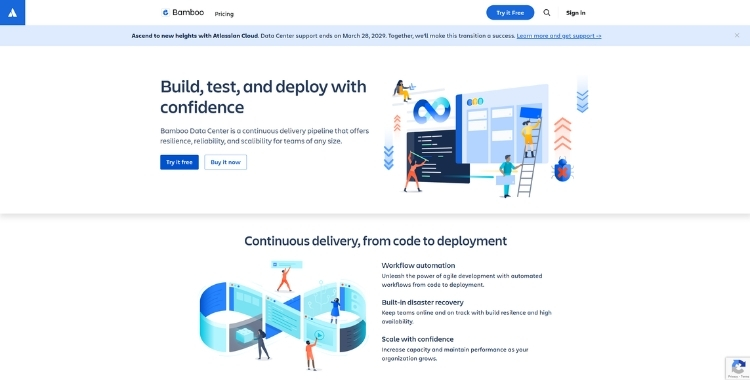
Atlassian developed Bamboo as its constant integration and delivery platform, which provides automated deployment and build processes for teams who use both Jira and Bitbucket. The platform enables users to automate their build and deployment processes throughout the entire Atlassian ecosystem.
Key capabilities
- Tight Jira integration
- Automated builds and deployments
- CI/CD pipeline visualization
User reviews
- 4.2/5 rating on G2
- Teams like its native integration with Atlassian tools.
7. Apache Maven
Apache Maven functions as a build automation tool that primarily serves Java development projects. The system provides a method to manage dependencies while establishing a common procedure for building projects.
Key capabilities
- Dependency management
- Automated project builds
- Standardized build lifecycle
User reviews
- 4.5/5 rating on G2
- Developers appreciate its dependency management and standardized build lifecycle.
8. Gradle
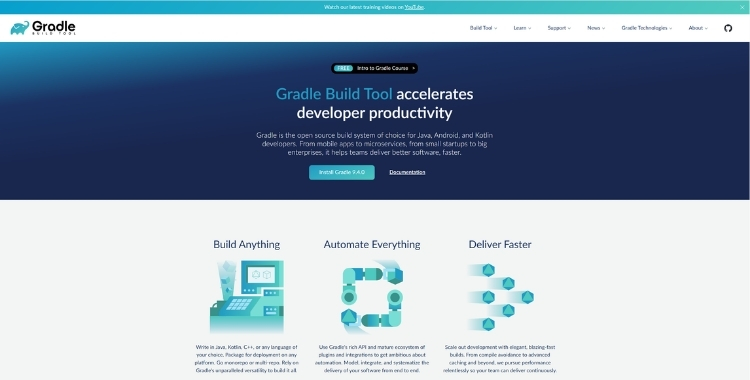
Gradle functions as a contemporary build automation tool that enables organizations to achieve better performance through its flexible operational design. The system enables users to build their projects using various programming languages, while it provides them with quicker building times than traditional building systems.
Key capabilities
- Multi-language support
- Incremental builds
- Flexible build configuration
User reviews
- 4.6/5 rating on G2
- Developers highlight incremental builds and performance improvements.
9. Ansible
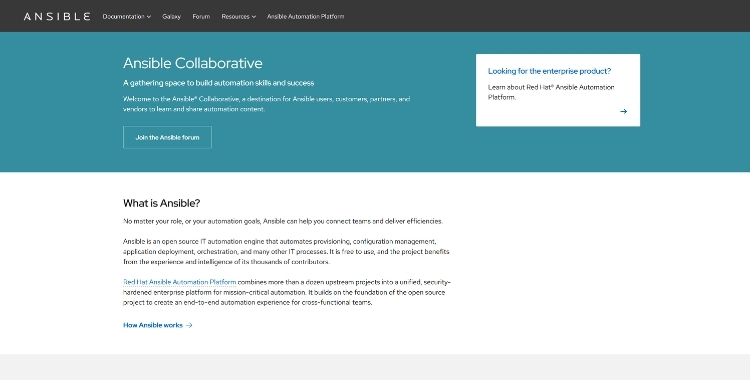
Ansible uses playbooks, which are simple YAML scripts, to automate both configuration management and application deployment tasks.
Ansible uses an agentless architecture because it does not require any software installation on the servers that it manages.
Key capabilities
- Server configuration automation
- Infrastructure provisioning
- Agentless architecture
User reviews
- 4.6/5 rating on G2
- Engineers value its agentless architecture and simple YAML syntax.
10. Puppet
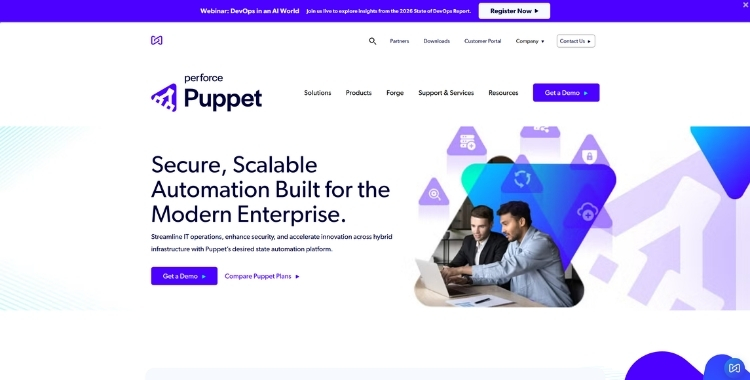
Puppet ensures that infrastructure systems maintain a defined configuration state across environments. The system uses a declarative language that defines its system configurations.
Key capabilities
- Infrastructure state management
- Policy-based configuration
- Automated system compliance
User reviews
- 4.3/5 rating on G2
- Users highlight its policy-based infrastructure management.
11. Chef
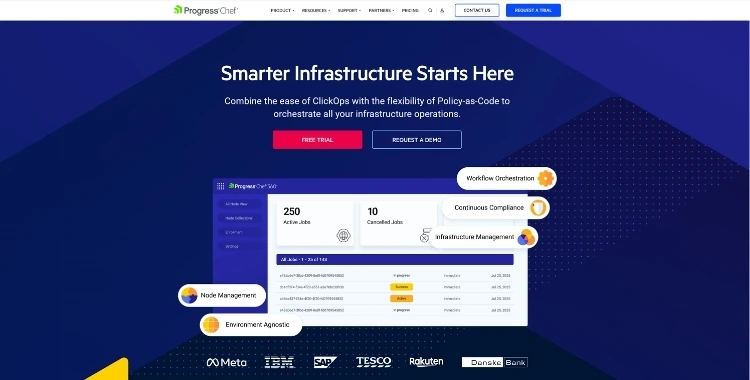
Chef automates infrastructure management through the use of reusable configuration scripts, which people refer to as "cookbooks." The scripts provide instructions for system configuration and maintenance operations.
Key capabilities
- Infrastructure automation at scale
- Reusable automation scripts
- Enterprise infrastructure management
User reviews
- 4.2/5 rating on G2
- Teams appreciate its scalability for large enterprise infrastructures.
12. Nagios
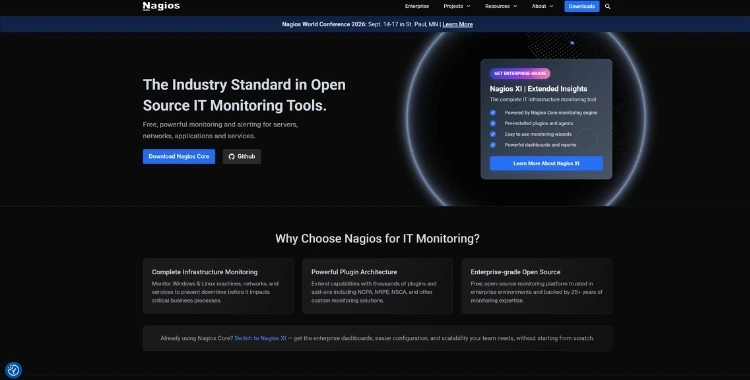
The Nagios system, including its monitoring capabilities, exists as a permanent threat detection device that protects networks and operations through its system observation ability.
Key capabilities
- Infrastructure monitoring
- Alerting systems
- Network monitoring
User reviews
- 4.1/5 rating on G2
- Users praise its reliable alerting and monitoring capabilities.
13. Splunk
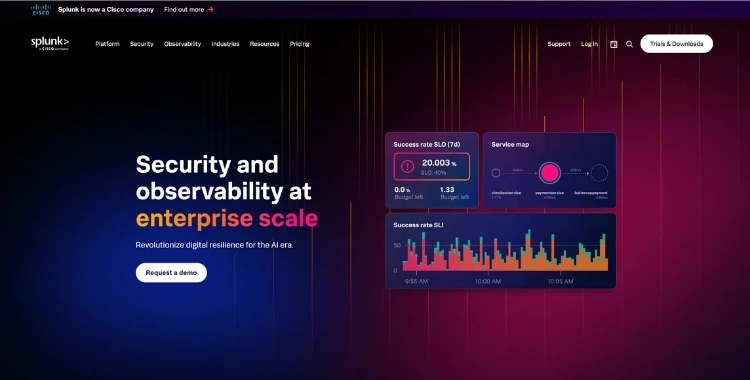
Splunk functions as an advanced observability and log-analysis platform that gathers machine data from various system components, including applications, servers, and infrastructure systems.
Key capabilities
- Log analytics
- Security monitoring
- Operational insights
User reviews
- 4.4/5 rating on G2
- Organizations highlight advanced analytics and log visibility.
14. Raygun
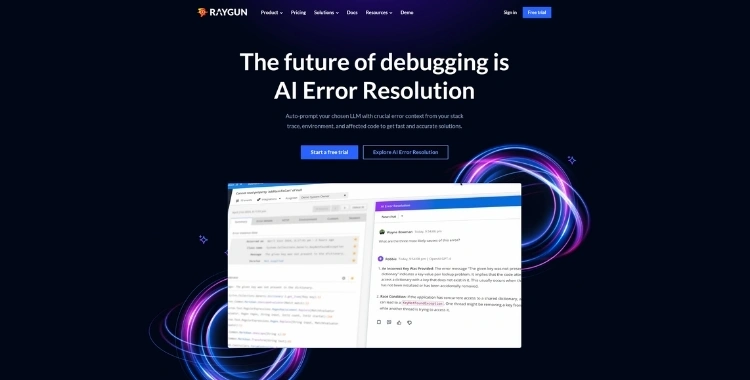
Raygun provides application monitoring together with error tracking services. The system enables developers to locate software defects through its ability to determine precise application failure points.
Key capabilities
- Real-time error tracking
- Performance monitoring
- Debugging insights
User reviews
- 4.5/5 rating on G2
- Developers appreciate its detailed error tracking and debugging insights.
15. Git
Git serves as the essential base that enables all current DevOps teams to work together. The system tracks all code modifications while enabling developers to create separate work paths that let them work together on shared code.
Key capabilities
- Distributed version control
- Code collaboration
- Branching and merging workflows
User reviews
4.7/5 rating on G2Teams value its branching capabilities and collaboration support.
16. Selenium
Selenium is a widely used testing framework for automating browser-based testing across multiple platforms.
It enables QA teams to run automated test cases that simulate real user interactions with web applications.
Key capabilities
- Cross-browser testing
- Automated UI testing
- Integration with CI/CD pipelines
User reviews
- 4.4/5rating on G2
- Test engineers highlight its cross-browser automation capabilities.
How to Choose the Right DevOps Automation Stack
Choosing the right automation tools for DevOps depends on how your team builds, tests, and delivers software.
Here are the factors that usually matter most:
| Factor | Why It Matters |
|---|---|
| Architecture | Microservices vs monolith changes tooling needs |
| Team size | Smaller teams need simpler workflows |
| Compliance | Security and audit requirements impact tool choice |
| Cloud environment | AWS, Azure, and hybrid setups require different integrations |
| Release frequency | Faster releases need stronger CI/CD pipelines |
This is where structured planning matters, aligning tools, workflows, and governance so your automation system works reliably at scale.
Why Companies Invest in DevOps Automation Services
Many teams already have tools, but they’re disconnected.
You’ll often see things like:
- One CI tool, another deployment script
- Manual infrastructure steps
- No unified monitoring
- Inconsistent security checks
That’s where DevOps automation services come in.
At Saffron Tech, we help teams:
- Design end-to-end automation pipelines
- Integrate CI/CD with infrastructure and testing
- Automate cloud provisioning
- Set up monitoring and alert systems
- Embed security and compliance checks into workflows
The focus isn’t just on tools, it’s on building a system that runs reliably every day.
How Saffron Tech Builds DevOps Automation Systems
Our approach is not theoretical, but rather practical and phased.
1. Workflow Assessment
We map how your current development and release processes actually work.
2. Automation Planning
We identify where automation will have the biggest impact first.
3. Toolchain Integration
We connect CI/CD, infrastructure, testing, and monitoring into one pipeline.
4. Infrastructure Automation
We implement IaC so environments can be recreated and scaled easily.
5. Monitoring & Feedback Loops
We set up real-time monitoring, logging, and alerts.
6. Continuous Optimization
We refine pipelines as your team and product evolve.
The Business Impact of DevOps Automation
Once DevOps automation is implemented, the benefits extend far beyond engineering teams. It begins to influence how quickly businesses launch features, how stable their platforms remain, and how efficiently teams collaborate across development, operations, and QA.
Automation turns software delivery into a predictable and repeatable process, which allows organizations to release updates faster while maintaining system reliability.
Key Business Outcomes of DevOps Automation
| Business Impact | What It Means for Organizations |
|---|---|
| Faster Time to Market | Automated CI/CD pipelines help teams release new features and updates more frequently without long release cycles. |
| Fewer Production Incidents | Automated testing and deployment reduce human errors and improve release stability. |
| Better Customer Experience | Reliable systems and faster updates lead to improved platform performance and user satisfaction. |
| Lower Operational Costs | Automation reduces the need for manual infrastructure management and repetitive operational tasks. |
| Improved Developer Productivity | Engineers spend more time building product features instead of managing deployments and infrastructure. |
DevOps Automation in Numbers
Research across the DevOps industry shows that automation plays a major role in improving both engineering performance and business outcomes.
| DevOps Metric | Industry Insight |
|---|---|
| Deployment Speed | High-performing DevOps teams deploy code multiple times per day, compared to monthly or quarterly deployments for low-performing teams. |
| Incident Recovery | Teams using DevOps automation recover from failures up to 2,600× faster, according to DORA research. |
| Developer Productivity | Around 84% of developers report improved productivity when using DevOps automation tools. |
| Faster Product Delivery | Approximately 82% of organizations say DevOps adoption accelerates product delivery. |
| Operational Efficiency | Many companies report lower infrastructure and maintenance costs after implementing automated workflows. |
Why DevOps Automation Creates Business Value
DevOps automation creates business value by accelerating time-to-market, increasing system reliability, and reducing operational costs.
It enables faster, error-free software releases through CI/CD pipelines, enhances collaboration, and allows teams to focus on innovation rather than routine maintenance. This leads to improved customer experience, higher revenue, and better adaptability to market changes.
- Removes delivery bottlenecks: Automation eliminates delays caused by manual deployments, inconsistent environments, and repetitive operational tasks.
- Improves release reliability: Automated testing, validation, and deployment pipelines make software releases more predictable and stable.
- Reduces operational risks: Standardized workflows help minimize human errors and ensure consistent system performance.
- Supports scalability: Automated infrastructure provisioning and configuration management allow systems to scale without significantly increasing operational effort.
- Enhances team efficiency: Developers and operations teams spend less time on maintenance tasks and more time building product features.
- Enables digital growth: Organizations that invest in DevOps automation can innovate faster, adapt to market changes quickly, and maintain reliable platforms as they expand.
Conclusion: Making Automation Sustainable at Scale
There’s no shortage of such automation tools available today.
The challenge isn’t finding tools, it’s using them in the right way. The companies that get real value from automation are the ones that:
- Design clear workflows
- Choose tools intentionally
- Integrate systems properly
- And keep improving over time
That’s exactly where Saffron Tech helps. We work with teams to build automation systems that last, not just pipelines that work once.
The real value comes from selecting the right automation tools in DevOps and integrating them into a system that your team can rely on every day.
Looking to Fix Broken Pipelines and Slow Deployments?
Saffron Tech builds end-to-end DevOps automation systems that eliminate bottlenecks and improve release confidence.
Consult our DevOps ExpertsFAQs
1. What are DevOps automation tools used for?
2. Which tasks should be automated first in DevOps?
3. Are automation tools in DevOps only for large enterprises?
4. How long does DevOps automation implementation take?
5. Does Saffron Tech provide DevOps automation services?

Subscribe to Saffron Tech
Explore your marketing zen with our newsletter! Subscribe now.